
When multiple channels run in parallel – paid social, SEA, newsletters, partner links, or QR codes – the origin of visits blurs very quickly without clean campaign parameters. Clicks end up in catch-all categories, reports become contradictory, and budget decisions rely more on gut feeling than on data.
Campaign parameters solve exactly this problem. They extend your destination URL with structured information that analytics tools and later BI models can unambiguously evaluate.
The effect cascades through the entire chain: online marketing gets clear learnings per channel and creative. Web analytics gets stable dimensions instead of sprawl. Performance marketing can optimize faster because the attribution from click to conversion stays clean. And BI teams save themselves endless mapping tables because source, medium, and campaign don't appear in ten different spellings.
What Are Campaign Parameters and Why Are They So Valuable?
Campaign parameters are key-value pairs in the URL that are passed to your tracking when clicked. They answer questions like: Where did the visit come from? What medium was it? Which campaign and which variant exactly? For search campaigns, a keyword or term can also be passed along.
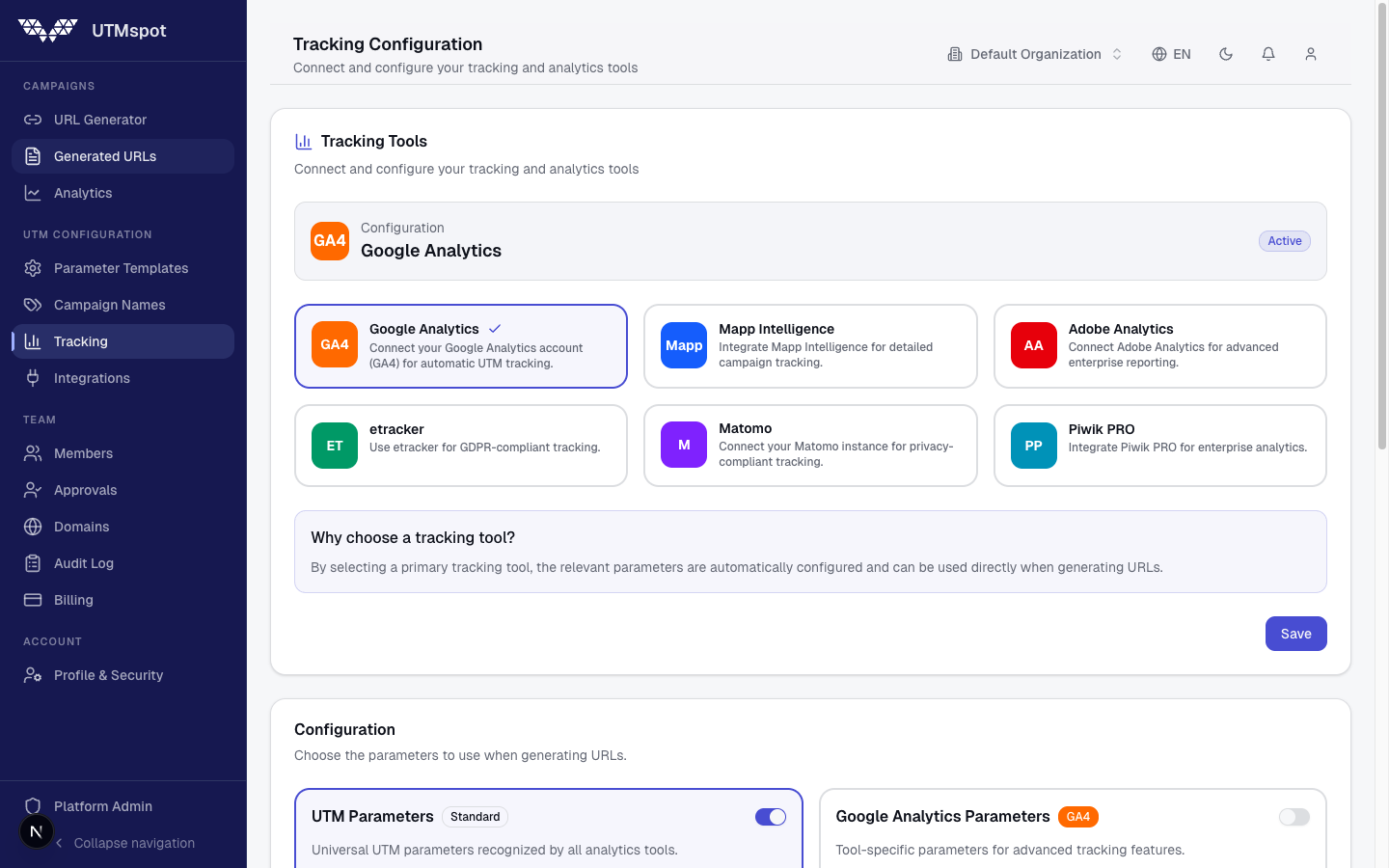
Important: The logic is similar across all tools, but the parameter names differ. That's why you first need an organization-wide taxonomy – and then a translation into each tool's schema.
The Standard Taxonomy as a Common Denominator
Use Source, Medium, Campaign, and optionally Content and Term as your base fields. Keep everything lowercase, without spaces, and with consistent separators. If you don't, duplicates like linkedin and LinkedIn or paid social and paid_social will immediately lead to incorrect totals in web analytics and BI.
A practical standard looks like this:
- Source: Who sends the traffic – e.g.
linkedin,google,newsletter - Medium: Channel type – e.g.
paid_social,cpc,email - Campaign: Campaign name – e.g.
leadgen_webinar_february_2026 - Content: Variant – e.g.
video_aorheader_link - Term: Keyword, when relevant
GA4: UTM Parameters as the Standard
In GA4, UTM parameters are the standard for manual campaign tagging. The common ones are utm_source, utm_medium, and utm_campaign, with optional utm_content for variants and utm_term for search terms.
https://example.com/landing?utm_source=linkedin&utm_medium=paid_social&utm_campaign=leadgen_webinar_february_2026&utm_content=video_a&utm_term=leadgenPro Tip from Armin Sanjari
Define a fixed list for Source and Medium. This keeps your channel logic stable and lets you cleanly compare campaigns across time periods.
Adobe Analytics: A Single Campaign Code as the Backbone
In Adobe Analytics, you typically work with a single campaign code written into the campaign variable. This often happens via a query parameter like cid, which is then mapped to s.campaign.
https://example.com/landing?cid=leadgen_webinar_february_2026Pro Tip from Armin Sanjari
If you only use cid, you need clear rules for how channel and source are derived in reporting. Alternatively, maintain a campaign table that maps cid to source, medium, owner, and goal.
Matomo: mtm Recommended, UTM Also Recognized
Matomo recommends campaign parameters with the mtm prefix, e.g. mtm_source, mtm_medium, and mtm_campaign, with optional mtm_content and mtm_keyword.
https://example.com/landing?mtm_source=newsletter&mtm_medium=email&mtm_campaign=brand_q1_2026&mtm_content=hero&mtm_keyword=consultingPro Tip from Armin Sanjari
If you already have UTM links in circulation, you can often continue using them. What matters is keeping your naming conventions clean so no duplicate logic emerges in reporting.
Piwik PRO: pk Schema and Clear Separation in Reporting
Piwik PRO classically uses pk parameters like pk_source, pk_medium, and pk_campaign. Content and keyword are optional.
https://example.com/landing?pk_source=facebook&pk_medium=paid_social&pk_campaign=winter_promo_2026&pk_content=carousel_1Pro Tip from Armin Sanjari
Decide on a primary schema within your organization. Mixed usage with UTM is possible but increases the risk of duplicates in reports.
etracker: etcc Parameters for Campaigns and Groups
etracker commonly uses etcc parameters, e.g. etcc_med, etcc_par, etcc_cmp, and etcc_grp. This lets you map campaigns and subdivisions very clearly.
https://example.com/landing?etcc_med=sea&etcc_par=google&etcc_cmp=brand_q1_2026&etcc_grp=adgroup_aPro Tip from Armin Sanjari
Only use dynamic IDs from ad platforms if you can display them meaningfully in reporting. Otherwise, BI ends up with many numeric values that nobody can interpret without a lookup table.
Mapp Intelligence: wt_mc as Media Code Plus Optional Extensions
Mapp Intelligence commonly uses wt_mc as a media code. Additional parameters like wt_cc1 can optionally be used for link positions or placements.
https://example.com/landing?wt_mc=newsletter.edition5&wt_cc1=header_linkPro Tip from Armin Sanjari
If you encode a hierarchy in wt_mc, define it cleanly – e.g. channel.campaign.placement. This keeps the schema permanently analyzable.
Recommended Standard Taxonomy for Campaign Parameters
| Field | Purpose | Value Logic | Examples |
|---|---|---|---|
| Source | Specific source | Lowercase, fixed value list | linkedin, google, meta, newsletter |
| Medium | Channel type | Align with channel definitions | paid_social, cpc, email, referral |
| Campaign | Campaign name | Goal_topic_period, no spaces | leadgen_webinar_feb_2026 |
| Content | Variant | Creative, placement, or link position | video_a, carousel_2, header_link |
| Term | Search term | Keyword or targeting, only when relevant | crash_barrier, safety_standards |
Governance recommendation: Source and Medium as required fields with dropdowns, Campaign with naming rules, Content and Term optional. This reduces duplicates in web analytics and saves significant cleanup effort in BI dashboards.
Parameter Schemas by Tool at a Glance
| Tool | Schema | Core Parameters | Example URL |
|---|---|---|---|
| GA4 | utm_* | utm_source, utm_medium, utm_campaign | ?utm_source=linkedin&utm_medium=paid_social&utm_campaign=leadgen_webinar_feb_2026 |
| Adobe Analytics | cid | cid (mapped to s.campaign) | ?cid=leadgen_webinar_feb_2026 |
| Matomo | mtm_* | mtm_source, mtm_medium, mtm_campaign | ?mtm_source=newsletter&mtm_medium=email&mtm_campaign=brand_q1_2026 |
| Piwik PRO | pk_* | pk_source, pk_medium, pk_campaign | ?pk_source=facebook&pk_medium=paid_social&pk_campaign=winter_promo_2026 |
| etracker | etcc_* | etcc_med, etcc_par, etcc_cmp, etcc_grp | ?etcc_med=sea&etcc_par=google&etcc_cmp=brand_q1_2026 |
| Mapp Intelligence | wt_* | wt_mc, optional wt_cc1 | ?wt_mc=newsletter.edition5&wt_cc1=header_link |
Conclusion: One Standard, Many Translations
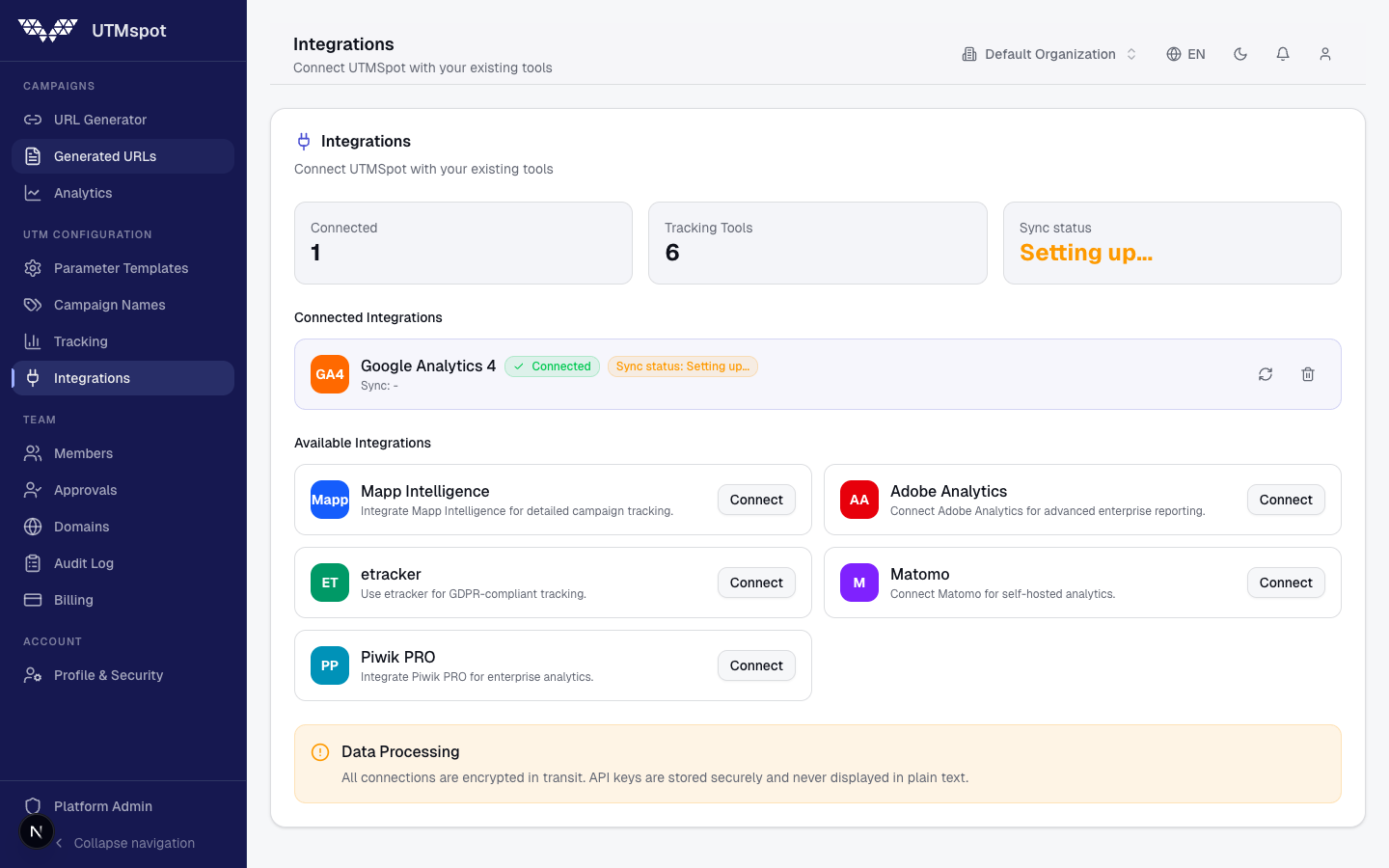
All tools solve the same problem: campaign traffic must be unambiguously attributable. The key lies not primarily in the parameter name, but in the taxonomy behind it. When Source, Medium, Campaign, Content, and Term are cleanly defined, you can map them to UTM, MTM, PK, ETCC, WT, or CID depending on the tool. This makes web analytics, performance marketing, and BI significantly faster – because data quality no longer slows down every reporting project.